How it works
Understand. Choose. Apply.
Know your PC
Analyze your system and identify what needs attention.
Choose your settings
Explore available options and review the changes.
Play with more control
Apply your choices and monitor the result.
Loading page…
Optimize Windows, organize your system and prepare your games with HyperBoost. Start for free and explore Pro features.
Free · Built for Windows · You choose what changes
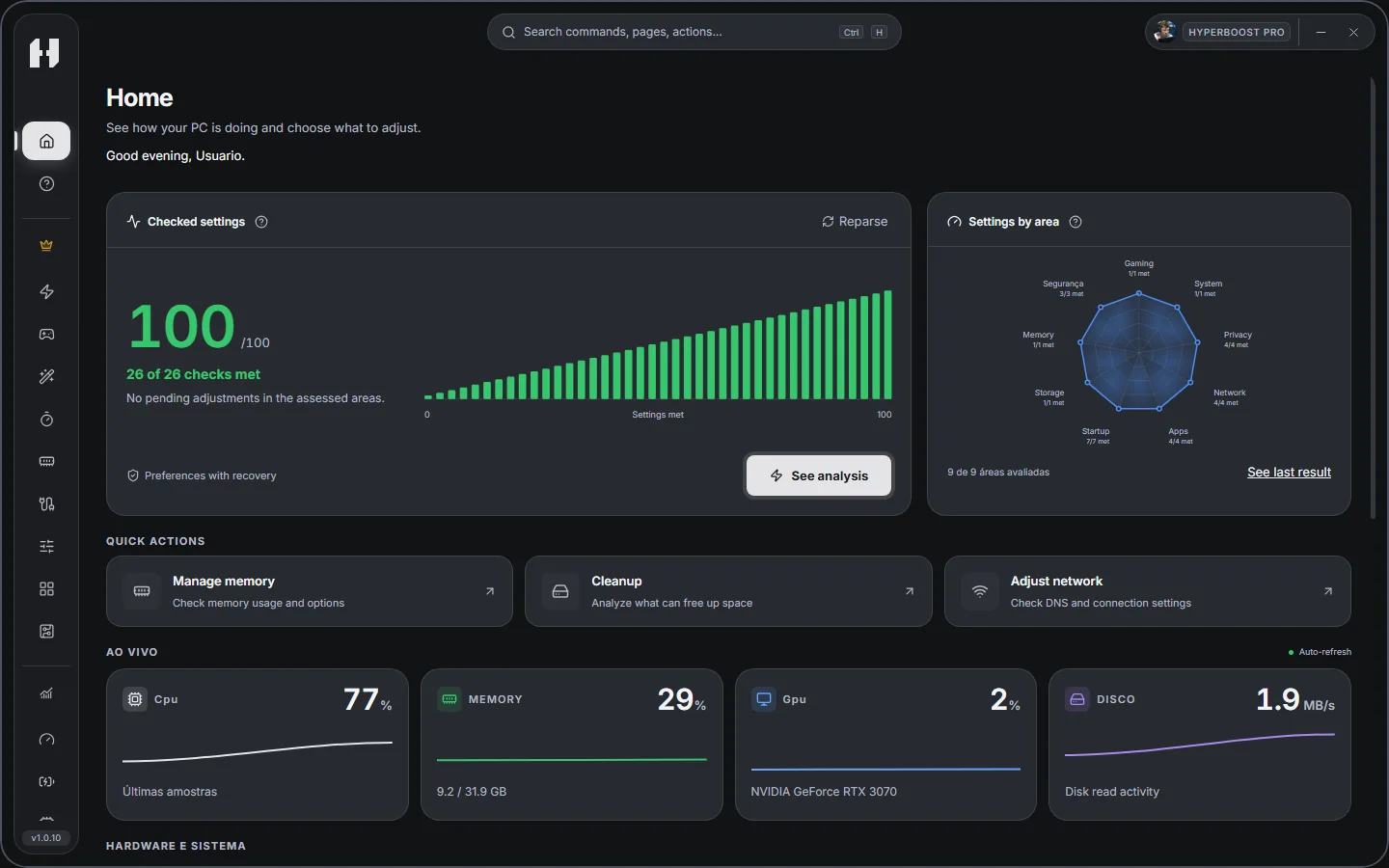
Analyze your system and identify what needs attention.
Explore available options and review the changes.
Apply your choices and monitor the result.
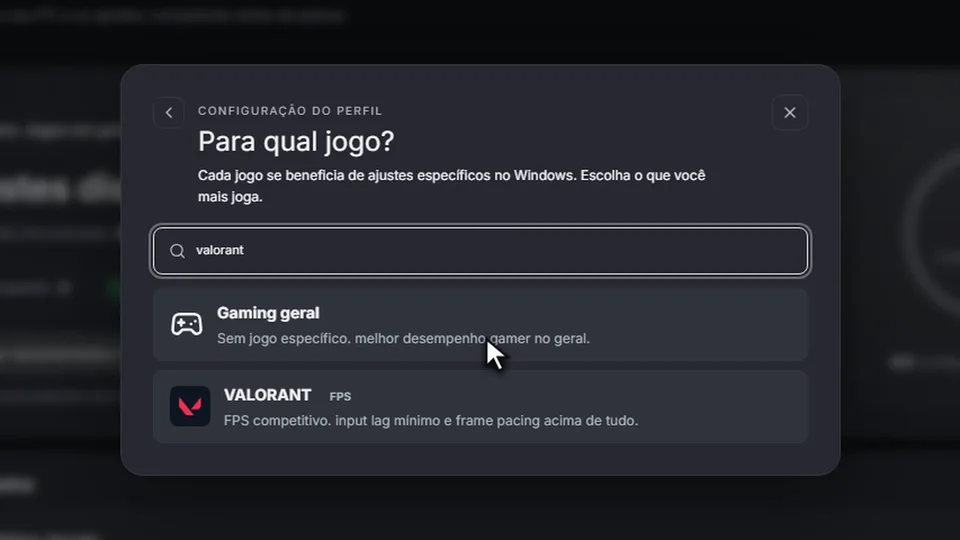
Go further with PC Boost and Game Mode: review recommendations, choose your profile and follow your gaming sessions.
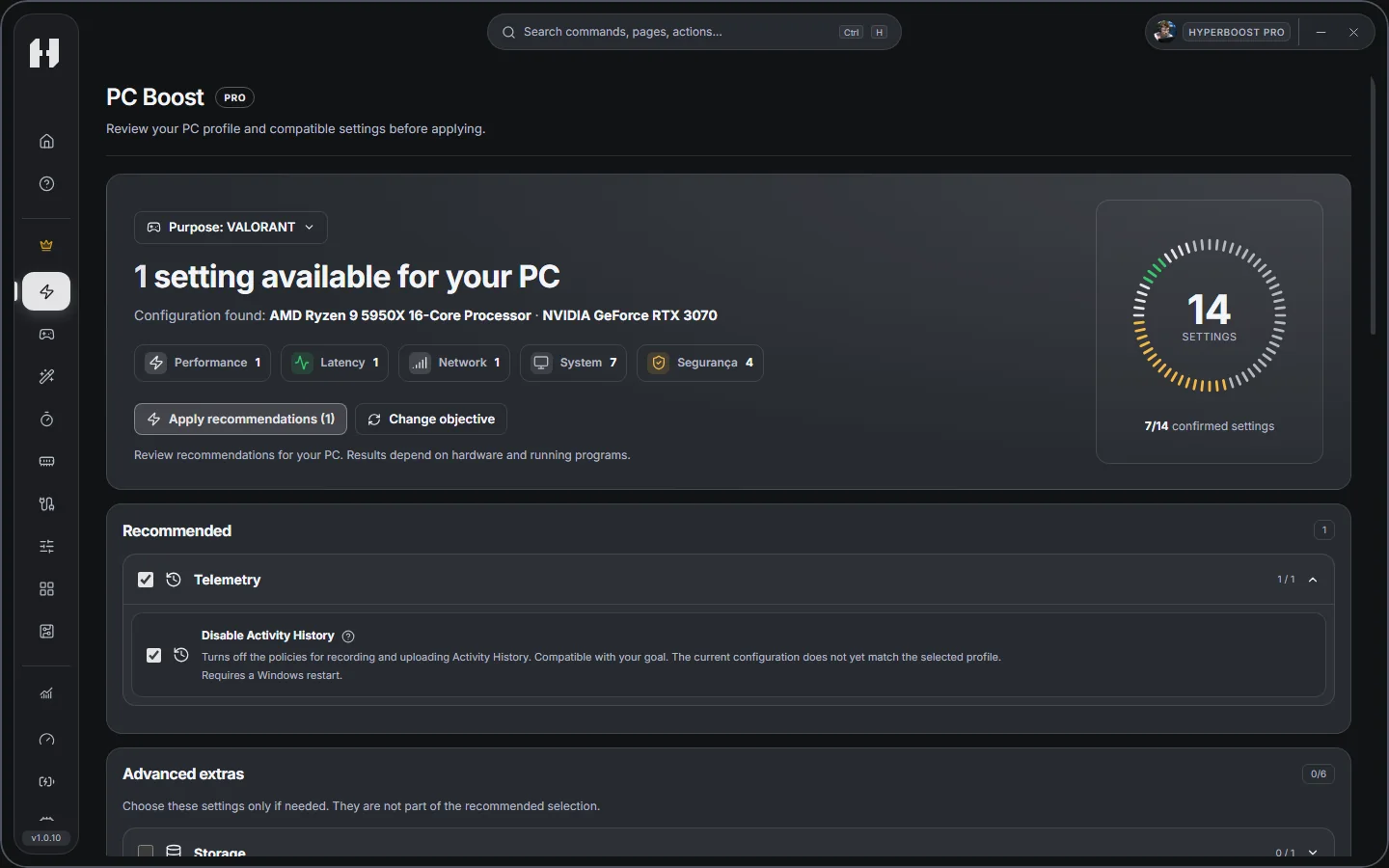
Review recommendations for your PC and choose what to apply.
Choose a profile for your games and follow the session metrics available on your PC.
Check your PC, monitor your hardware and review files before cleaning. You choose what changes.
Does your game lose smoothness when Windows competes for resources? PC Boost analyzes your hardware and recommends performance settings for your goal.
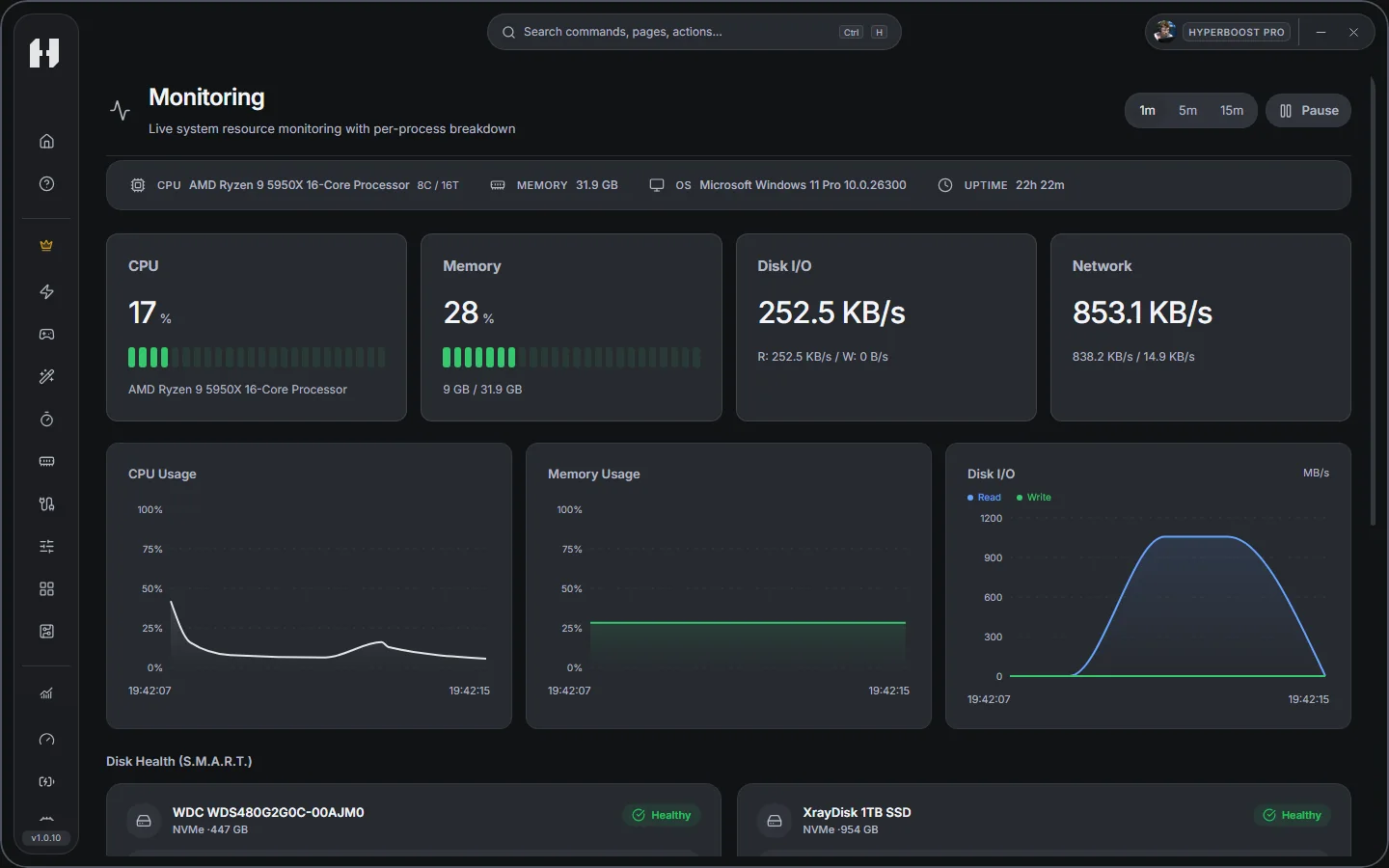
See what's straining your PC before changing settings. Watch CPU, memory and disk activity live and identify the apps using the most resources during your task.
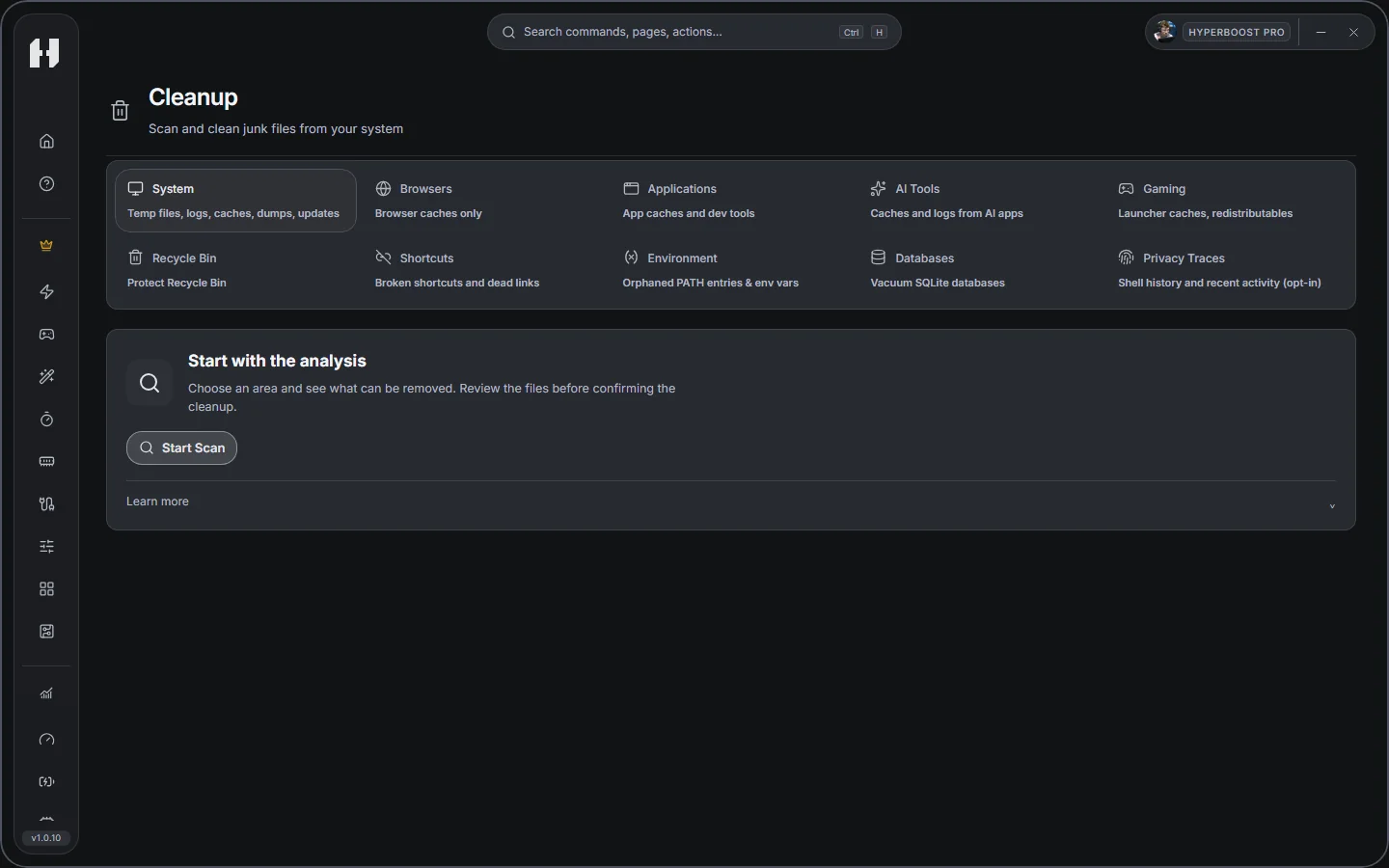
Make room for your next game. Find temporary files and caches, choose what to remove and see how much space cleanup freed.
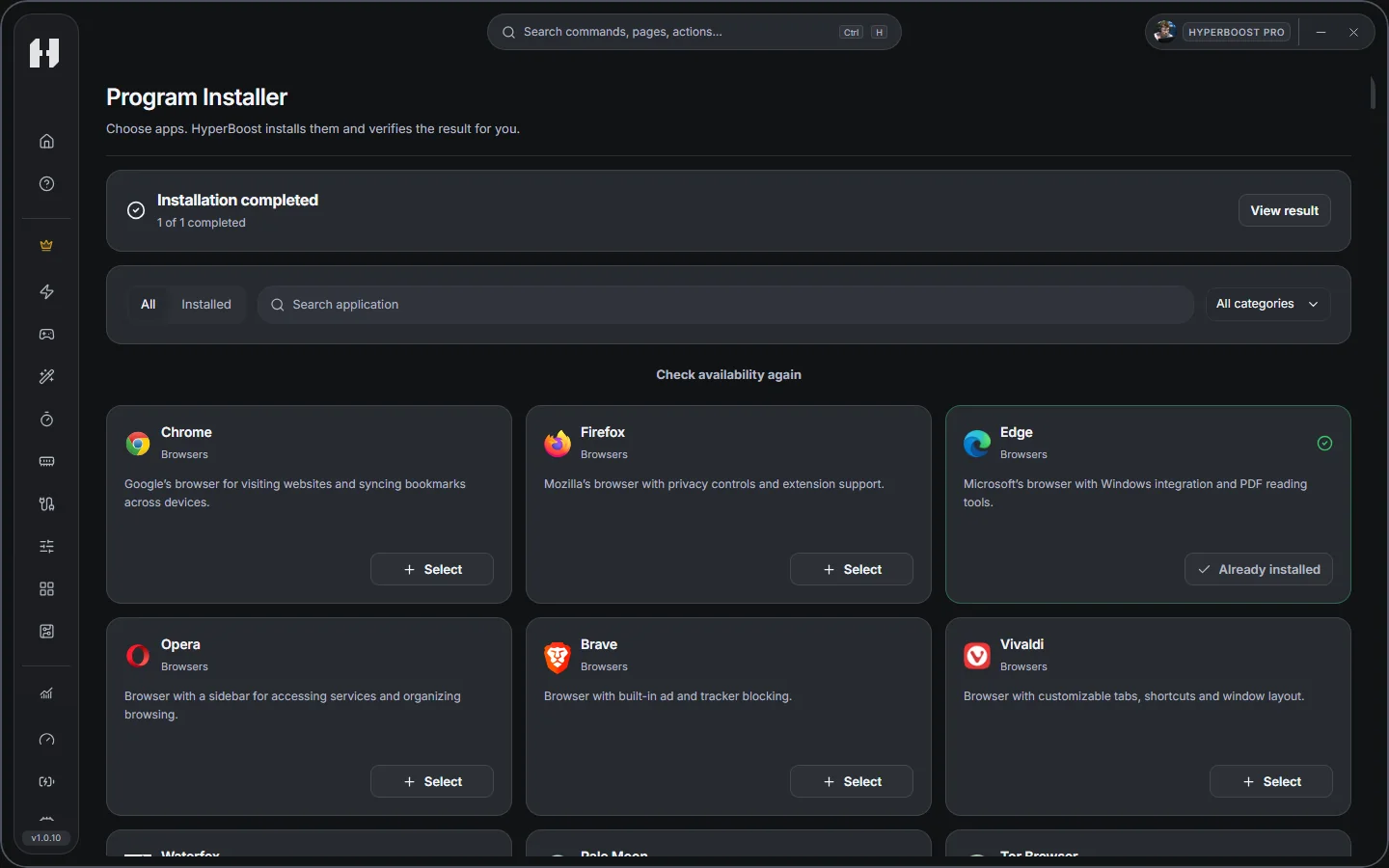
Search for and install supported apps directly from HyperBoost. Set up a newly formatted PC without hunting for downloads in your browser.
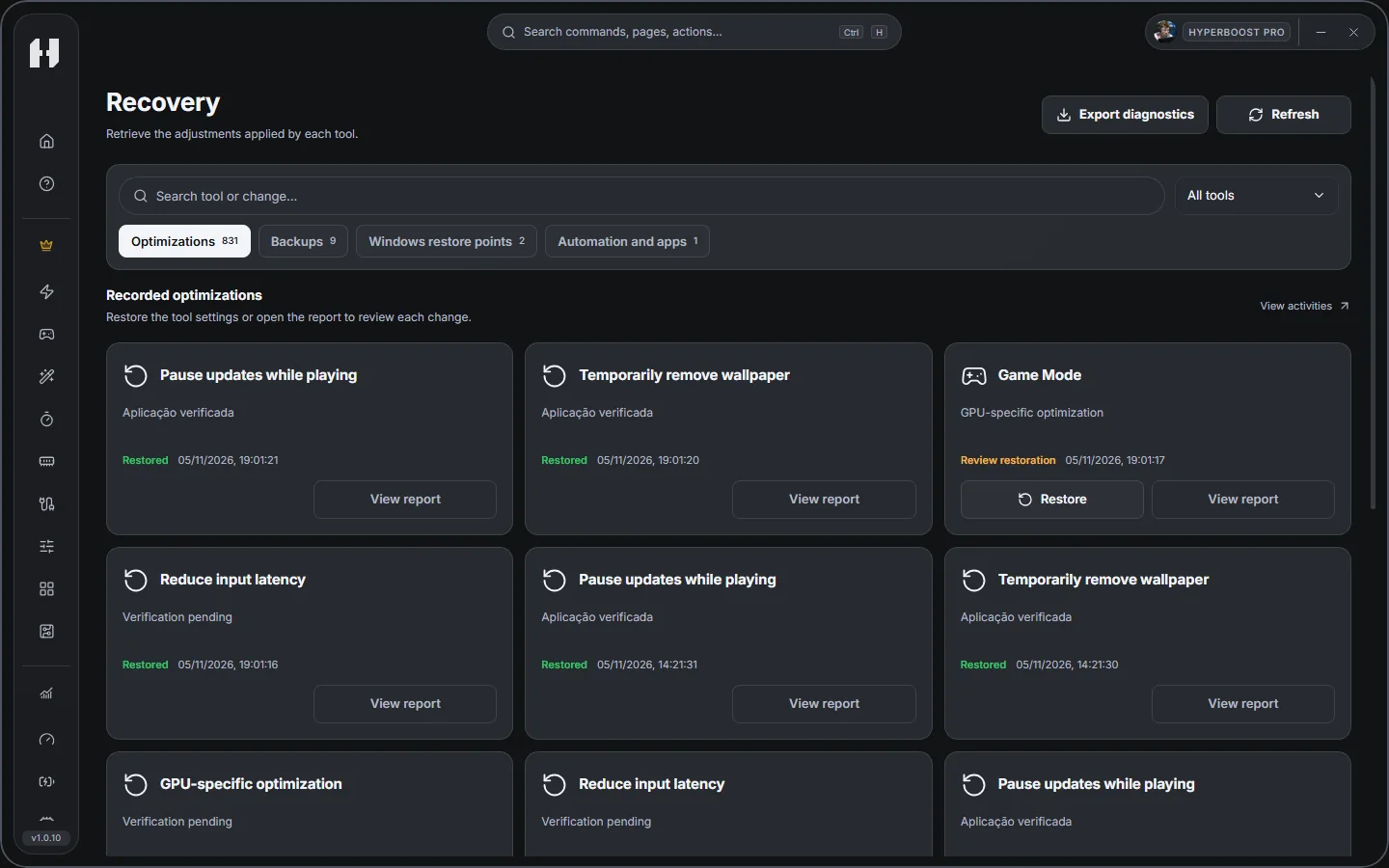
Roll back a setting if it didn't work as expected. Find the backup for the change and restore the saved state when recovery is available.
Compare games across PC configurations.
Results reported by HyperBoost testers. Performance varies by PC, game and settings.
Change reported in the test
Share experiences, find your squad and follow HyperBoost news on our Discord.
A place to talk about your PC, suggest improvements and get help with HyperBoost. Join the next conversation.Ask questions, suggest improvements and follow HyperBoost news.
Join our DiscordOpen to the community. Free users are welcome too.Start free. Explore Pro and lifetime Founder.
View plans ↗Start with free cleanup, diagnostics, monitoring and maintenance tools. You can also find and install available apps without searching for downloads in your browser. Compare the tool list to choose what you need.
Choose Pro when you want PC Boost, Game Mode and the other Pro tools together: review settings for your PC, choose a gaming profile and follow the available session metrics. Pro and Founder include the same Pro tools; compare the access terms before buying.
You can use some free tools without signing in. Use Google or Discord when you want to activate a paid plan, send an error report or submit a review. Free accounts can also report problems.
Yes. Reviewing your PC does not apply settings. Check the selection before applying and use Recovery for actions with saved backups. File deletion, cleanup and some uninstallations may not be reversible.
HyperBoost is built for 64-bit Windows 10 and 11. Available settings depend on your hardware, drivers and permissions. Each feature checks compatibility; a missing feature does not mean your PC has a problem. Results vary by computer and game.
Sign in on the website and in HyperBoost with the same account used for the purchase. Access is released after payment confirmation. If it does not appear, refresh your subscription in the account screen or contact support with your receipt.
Use the download button on this official website. Check the installer name and publisher information shown by Windows. If a warning or threat detection appears, send its details to support before continuing; do not disable Windows protection.
40% recurring commission on monthly payments from your referrals. Free PRO for approved creators while participating.
Participation requires team approval. For approved creators, referrals are attributed through the individual link and commissions are based on confirmed payments, adjusted for refunds and reversals. Payouts are checked and recorded by the team. Submitting an application does not activate benefits or automatically generate a payment.